 Ir para o conteúdo
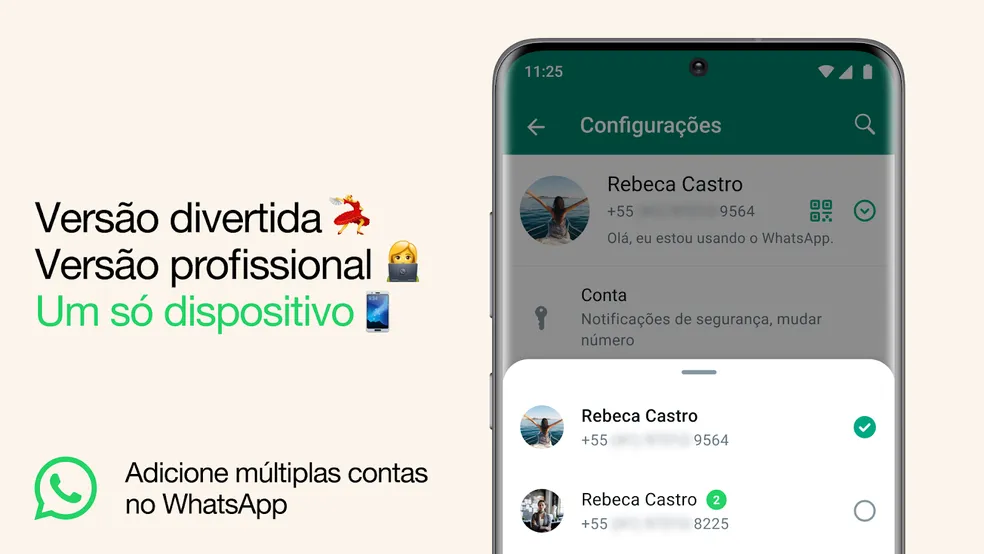
Quer gerenciar dois números de WhatsApp no mesmo celular? Essa funcionalidade é útil para quem deseja separar vida pessoal e profissional. A seguir, mostramos como configurar dois WhatsApp no Android usando o recurso nativo disponível diretamente no aplicativo e, no iPhone, utilizando o WhatsApp Web.
Publicidade
O WhatsApp agora permite gerenciar duas contas no mesmo aplicativo de forma nativa. Siga o passo a passo abaixo para ativar:
Abra o WhatsApp no seu Android
- Certifique-se de que o aplicativo está atualizado para a versão mais recente disponível na Play Store.
Acesse as Configurações do WhatsApp
- Toque nos três pontinhos no canto superior direito da tela.
- Vá até Configurações.
Adicione uma Nova Conta
- Dentro das configurações, procure a opção Adicionar conta (representada por um ícone de “+”).
- Insira o número do segundo whatsapp caso queira que esse seja o celular padrão, caso seja um adicional clique nos tres pontinhos e selecione a opção para celular adicional.
- Agora só ler o QR Code com o WhatsApp que deseja criar um adicional.
Como ter dois whatsapp no mesmo celular no iPhone?
No iphone infelizmente ainda não existe o modo nativo, tendo que recorrer a um aplicativo.
- Baixe o aplicativo WA WEB; CLIQUE AQUI PARA BAIXAR O APLICATIVO
- Abra o aplicativo e leia o QR CODE com o dispositivo que está instalado o WhatsApp
- Pronto seu WhatsApp ficará logado como se fosse WhatsApp Web dentro do aplicativo.
Ficou com dúvida? Assita ao vídeo abaixo:
Uma resposta
Hello.
Good cheer to all on this beautiful day!!!!!
Good luck 🙂